
Asset Management
Know what you own, see what needs attention, and connect inspections and maintenance to every municipal asset in your community.
Software to Manage All of Your Municipal Assets
Keep parks and recreational spaces connected and maintained.
- Organize playground, trail, and park amenity records
- Document asset conditions and inspection findings
- Track maintenance work and repairs for individual assets
- Complete park and playground safety inspections
- Keep inspection and repair history connected to each asset

Organize building inspections, maintenance, and repairs.
- Organize records for buildings and their equipment
- Document inspections and identify maintenance needs
- Track maintenance requests and repairs by asset
- Maintain service history for buildings and equipment
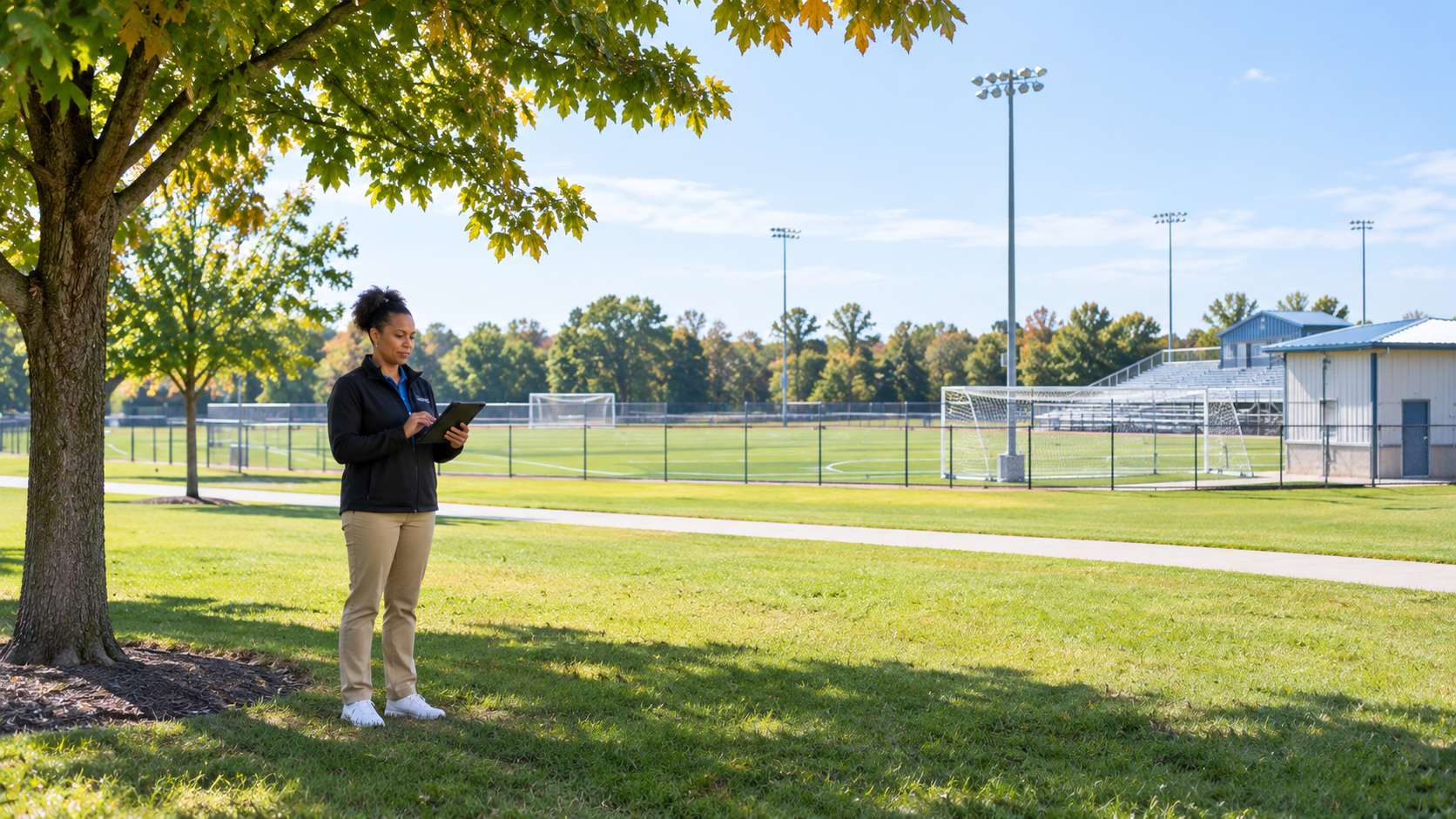
- Keep sports fields, courts, and arenas inspected and maintained
Keep municipal vehicles inspected and ready for service.
- Maintain records for vehicles and equipment
- Document pre- and post-trip inspection findings and maintenance needs
- Track maintenance work against individual vehicles and equipment
- Keep inspections, repairs, and service history together
- Record mileage and runtime hours to support usage-based maintenance

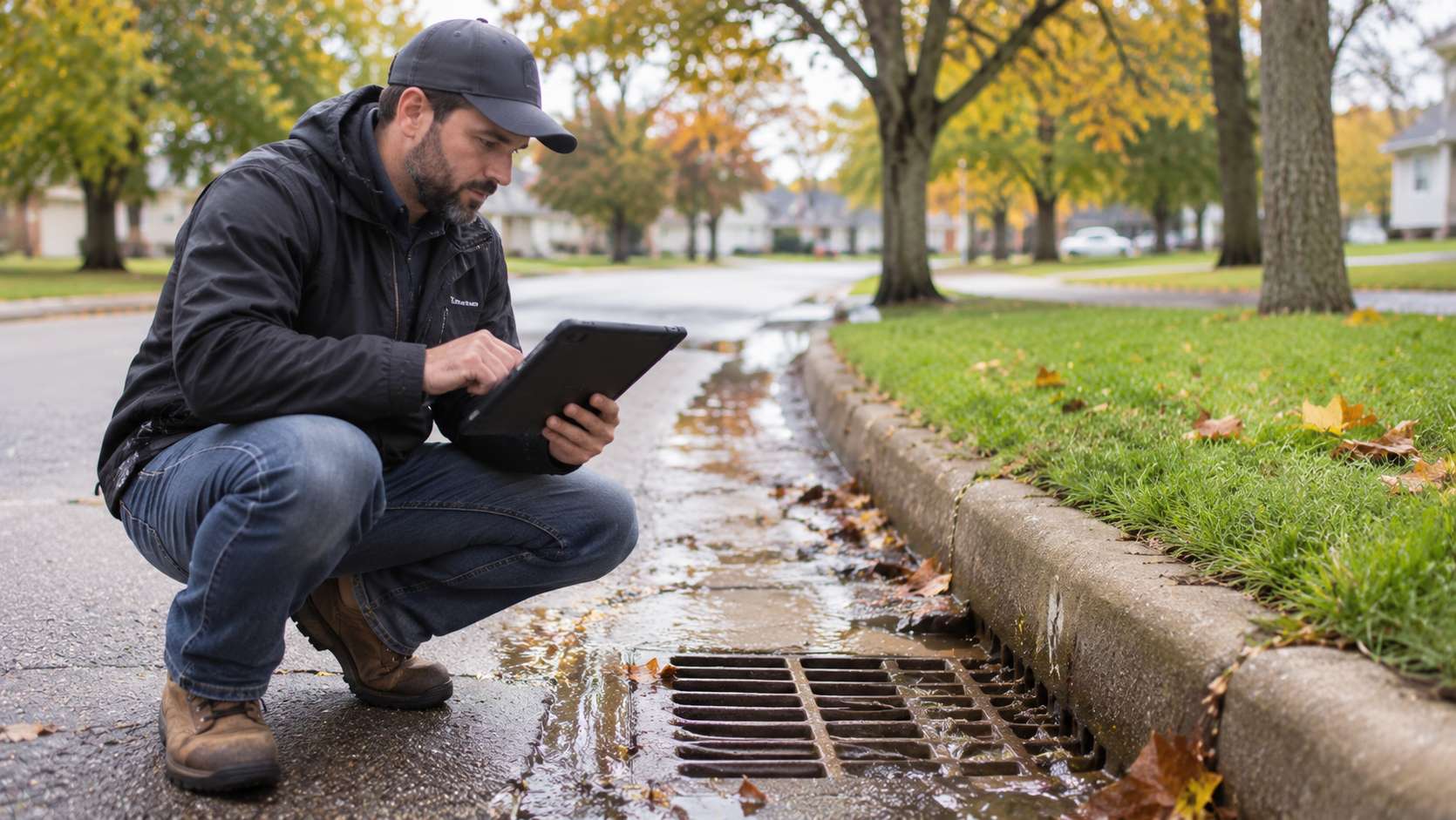
Connect stormwater assets, inspections, and cleaning activity.
- Record locations for inlets, culverts, pipes, and outfalls
- Document inspection findings for each asset
- Track cleaning activity and follow-up maintenance
- Complete stormwater MS4, culvert, and catch basin inspections
- Keep inspection and maintenance history with each asset
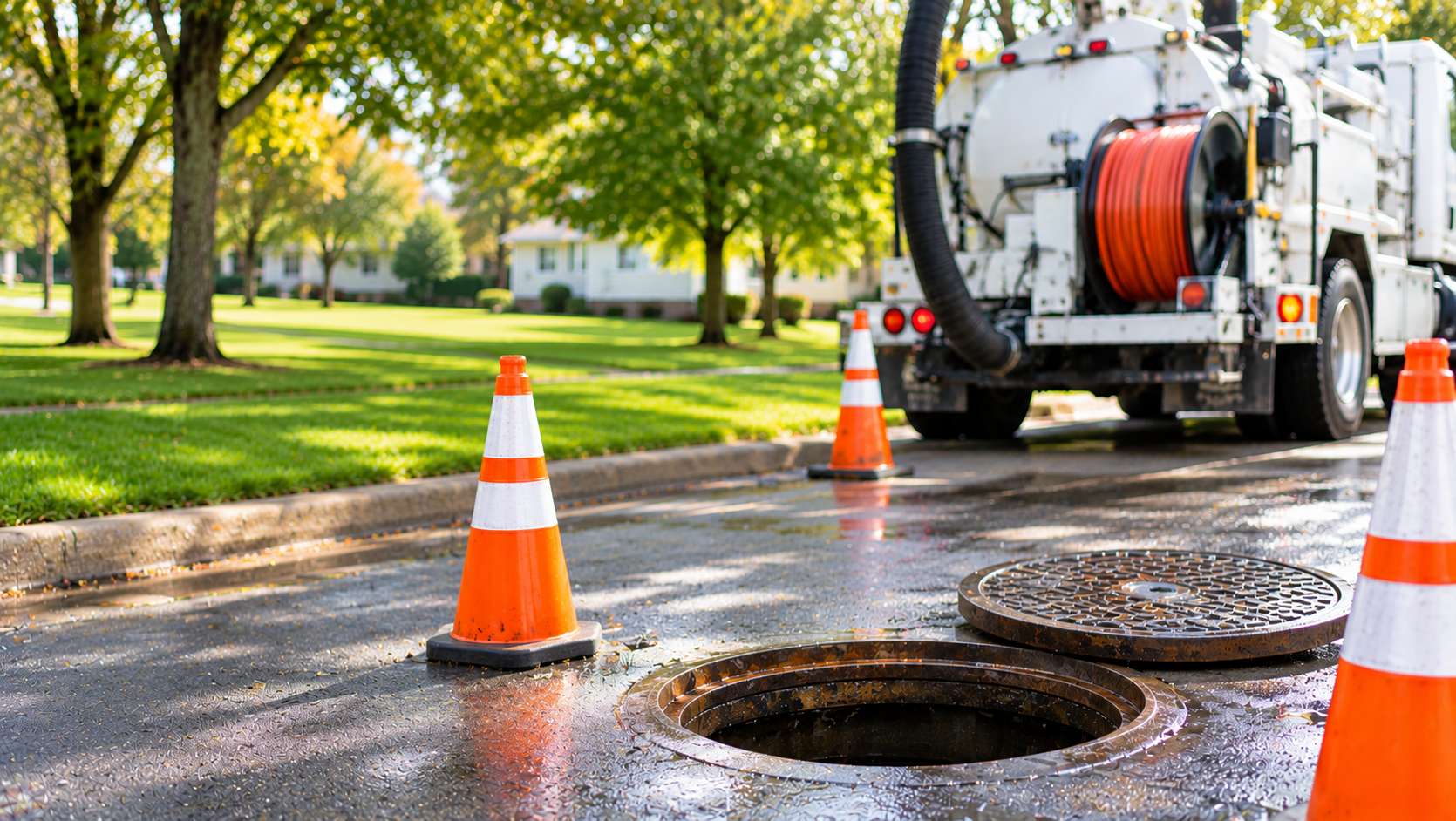
Connect inspections, cleaning activity, and repairs to infrastructure.
- Organize records for pipes, manholes, and pumping equipment
- Document inspection findings against collection-system assets
- Track cleaning activity and repair work
- Keep inspection and repair history connected to each asset
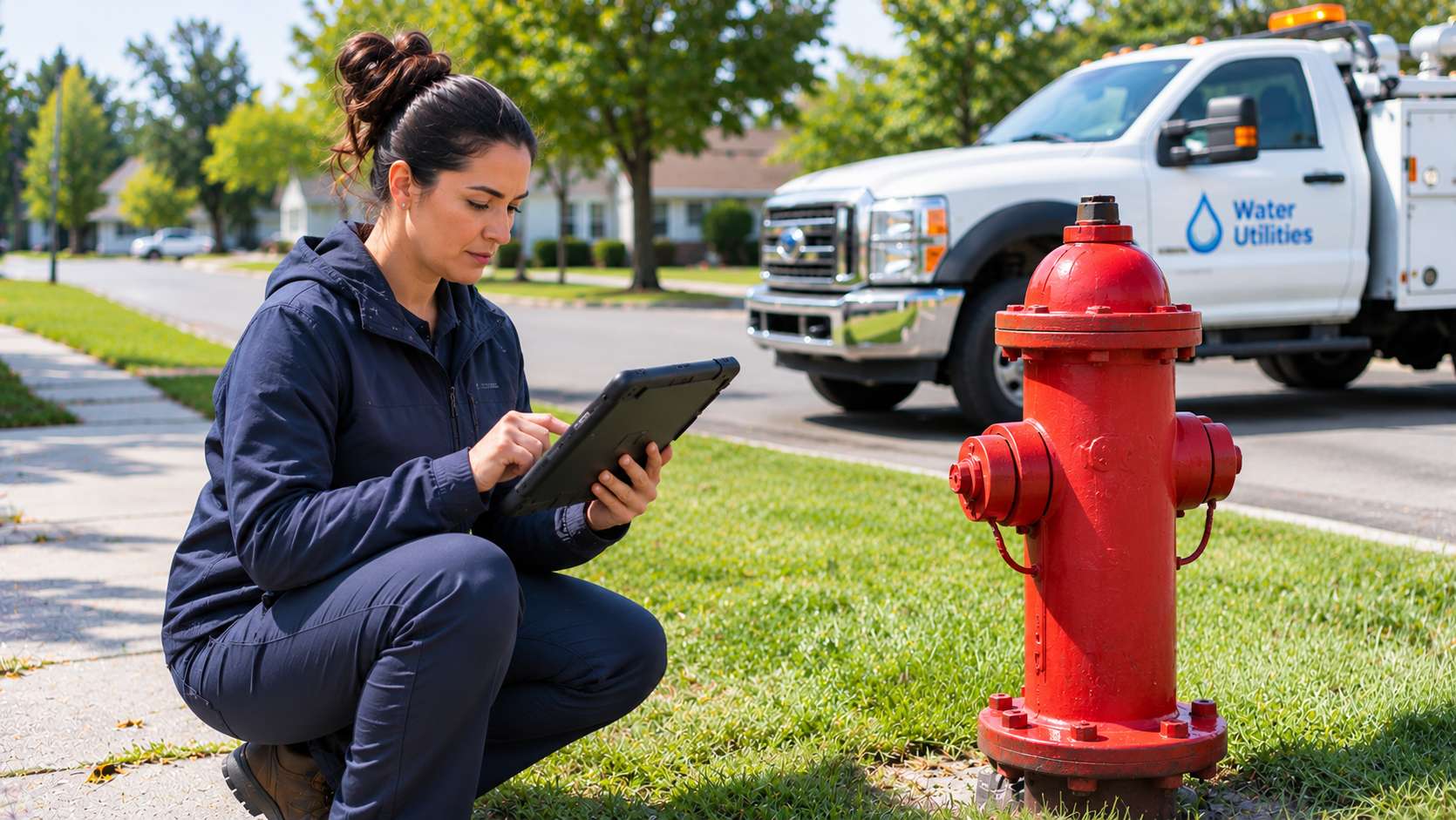
Keep assets connected to inspections, maintenance, and repairs.
- Organize records for water mains, valves, hydrants, and pumps
- Document field inspections and maintenance needs
- Track maintenance and repairs against individual assets
- Manage water valve exercising and hydrant flushing and exercising
- Maintain a clear history of inspections and completed work
Organize roadway assets, conditions, and maintenance by location.
- Organize pavement, sidewalk, sign, and streetlight records
- Document infrastructure conditions and inspection findings
- Track maintenance work against assets and locations
- Keep inspection and repair history available for future planning
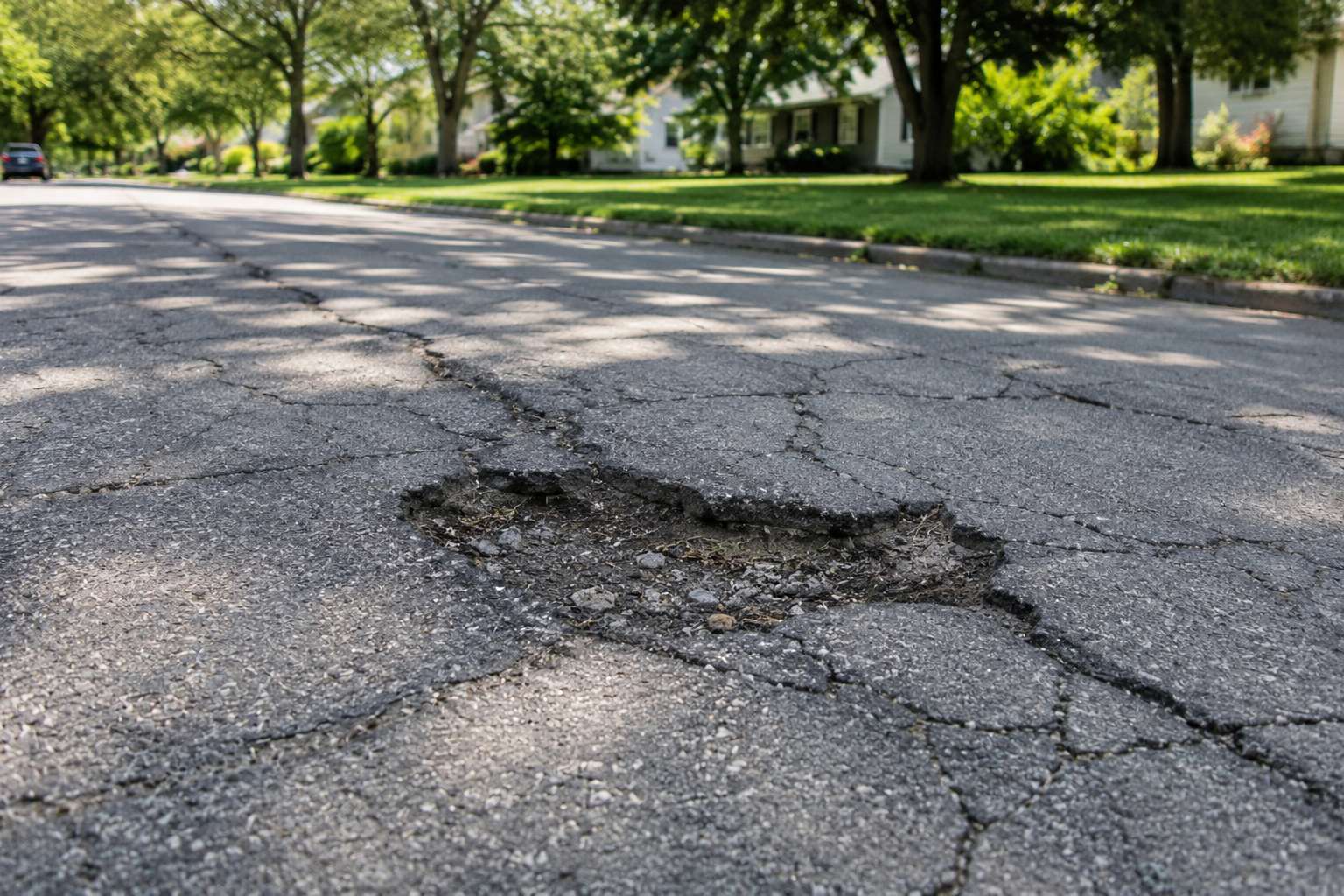
Keep signal infrastructure connected to inspections and maintenance work.
- Organize records for signals, controllers, and poles
- Document inspection findings and maintenance needs
- Track maintenance work and repairs by asset
- Keep service history connected to each asset

Asset Inventory
Maintain a centralized, reliable record of the infrastructure and equipment your municipality manages.
- Organize assets by type, category, class, and location
- Set up parent and child relationships, such as a building and the equipment inside it
- Import an entire asset inventory from a spreadsheet instead of entering assets one by one
- Configure attributes to capture the information your municipality needs
- Record asset condition and connect inspection and work history to each asset
- Reduce reliance on spreadsheets, paper files, and staff memory

Supported Asset Types
Manage all the assets your community relies on.
- Parks, playgrounds, trails, and park amenities
- Sports fields, courts, and arenas
- Buildings, facilities, and building equipment
- Vehicles and equipment
- Roads, sidewalks, signs, and streetlights
- Traffic signals, controllers, and poles
- Stormwater inlets, culverts, pipes, and outfalls
- Sewer pipes, manholes, and pumping equipment
- Water mains, valves, hydrants, and pumps

Inspections
Complete and track consistent inspections to identify issues and keep a reliable history of asset conditions.
- Create configurable inspection forms and workflows for each asset type
- Complete inspections in the field, online or offline, with the mobile inspections app; results sync once a connection is available
- Schedule recurring inspections that generate each month, quarter, or year automatically
- Keep inspection history connected to the right asset
- Flag issues that need follow-up work
- Keep inspection records easy to find over time
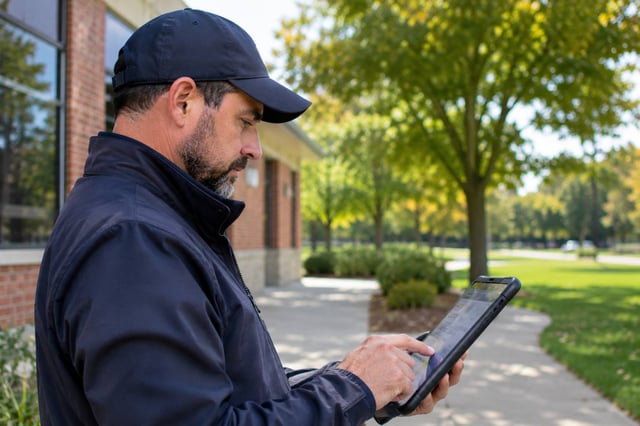
Ready-Made Workflows
Get common municipal inspection programs running quickly with packaged workflows that include the asset attributes, inspection forms, and work order tracking each one needs.
- Track hydrant flushing and exercising, with results recorded for every hydrant
- Document water valve exercising and keep a history for each valve
- Complete pre- and post-trip inspections for fleet vehicles and equipment
- Conduct playground safety inspections and track any hazards through to repair
- Support your MS4 program with stormwater outfall, culvert, and catch basin inspections
- Turn findings from any workflow into work orders tied to the right asset
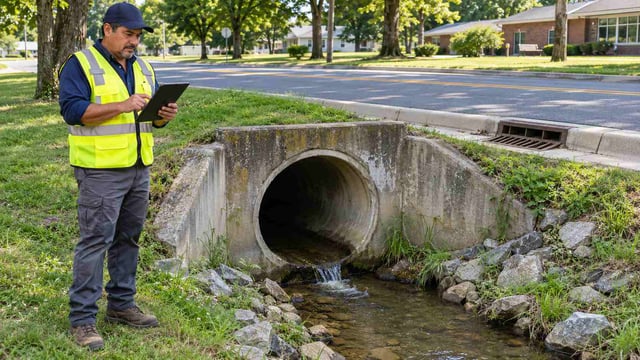
Work Orders & Maintenance
Connect identified issues with the work needed to maintain municipal infrastructure, from first report to finished repair.
- Create work orders tied to assets and locations
- Assign work to the right staff and track status from creation through completion
- Notify crews and the original requester automatically when work is created, assigned, or completed
- Set up preventive maintenance that generates work orders on a regular schedule
- Record labor and material costs against each work order
- Keep maintenance activity connected to each asset’s history
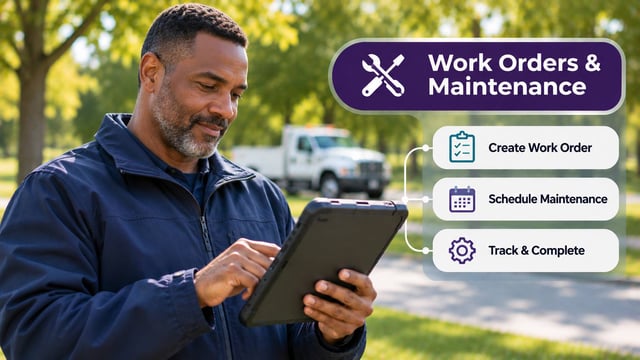
Service Requests
Give residents an easy way to report problems and turn each report into maintenance work your team can track.
- Let residents report issues through an online portal, with photos and locations
- Create work orders automatically from submitted concerns
- Show reported issues and work orders on a public map
- Share relevant concerns with code enforcement when an issue involves private property
- Keep residents informed automatically as their request moves forward
- Answer common resident questions 24/7 with NoVa

Mobile Field Work
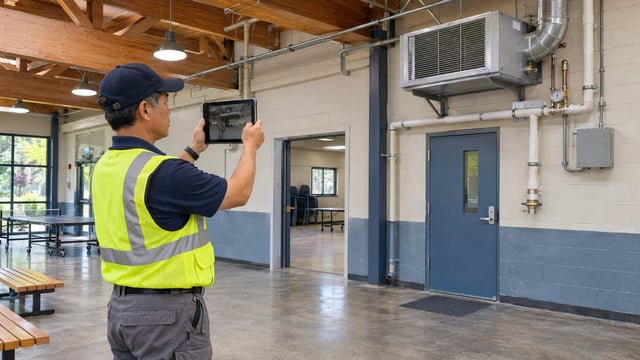
Give crews the information and tools they need wherever municipal work happens.
- Look up asset details and history from the field
- Complete inspections on site, online or offline, with the mobile inspections app
- Review assigned work orders and record progress from a mobile device
- Capture photos, notes, and findings where the work happens
- Keep field and office teams working from the same up-to-date information
GIS & Mapping
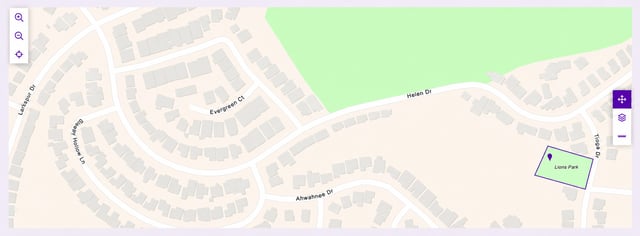
Add geographic context to asset information, inspections, work orders, and field activity.
- View municipal assets on a map
- See open work orders and upcoming inspections on the map at a glance
- Use location details to find assets and work sites in the field
- Add spatial context to field operations
- Make municipal GIS information more useful for daily operations
Costs, Reporting & Dashboards
Use reliable inspection, maintenance, and cost records to understand the work involved, justify resource needs, and support better decisions.
- Record labor and material costs against each work order
- Roll work order costs up to the asset for a clearer view of maintenance spending
- Review inspection and asset reports to understand findings and service history
- Ask for the data you need in plain language and get the right report or chart back
- Give each user a home screen with key metrics, overdue items, and pending work
- Use recorded costs and work history to support maintenance priorities and budget conversations

Configuration & Integrations
Set up asset information, inspections, and workflows around the way your municipality actually works.
- Configure asset types, attributes, and inspection forms for each kind of infrastructure
- Adapt workflows to local processes and departments
- Load existing asset records from a spreadsheet to get started in days
- Connect with other municipal systems through Cloudpermit’s API (available for an additional cost)

AI Support Assistant
Help staff and residents get answers about municipal assets and service requests 24/7 with NoVa, Cloudpermit’s AI assistant.
- Answer common questions about inspections, work orders, and asset records
- Guide staff through asset management workflows step by step
- Help residents submit service requests and understand next steps
- Save time spent searching for routine information
- Send questions NoVa can’t answer to Cloudpermit Support