Road & Highway Maintenance
Maintain roads and right-of-way assets, track vehicles and winter operations, and manage the permits and repairs that keep traffic moving.
Inspections
Inspect roads, bridges, and roadside infrastructure where they are, even beyond cell coverage.
- Complete road inspections online or offline with the mobile inspections app; findings sync once a connection returns
- Add notes and photos from any mobile device
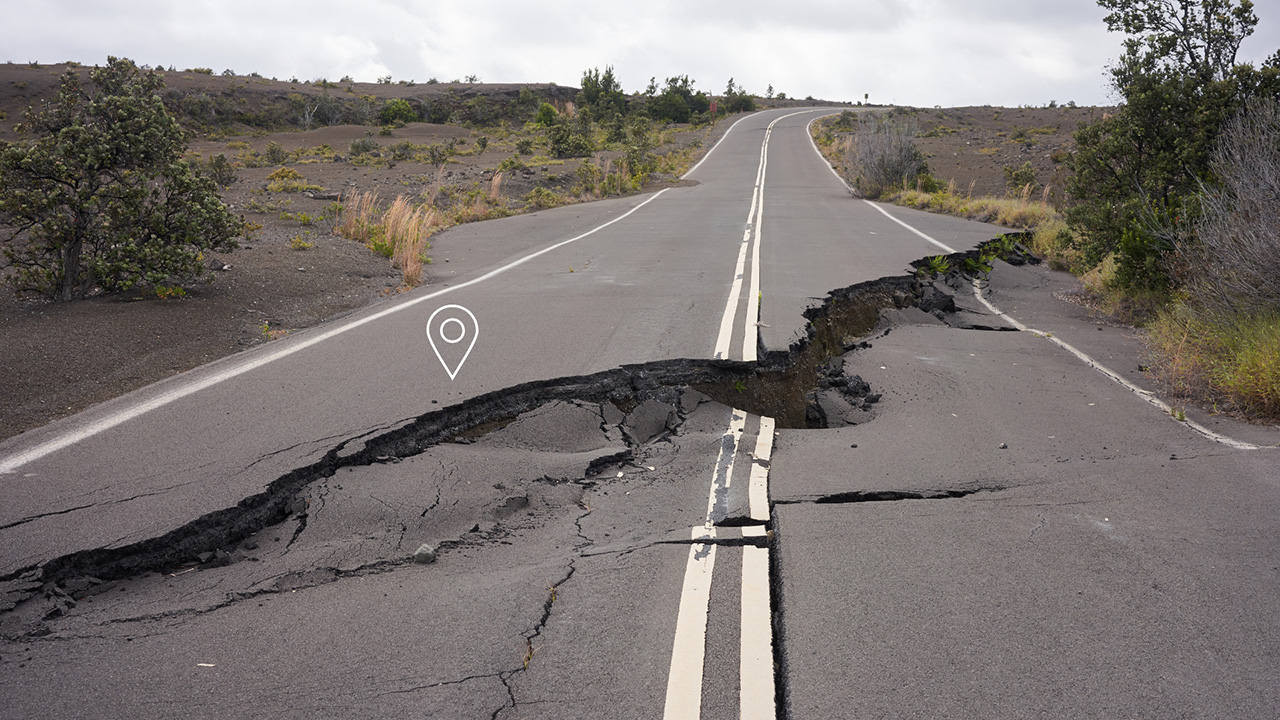
- Mark the exact location of potholes, damage, and other deficiencies
- Create punch lists and verify that repairs are complete
- Schedule recurring road and bridge inspections that generate automatically
- Use stock forms, or build forms that match your inspection program

Live Vehicle Tracking
Know where your vehicles are and what they’re doing at any moment.
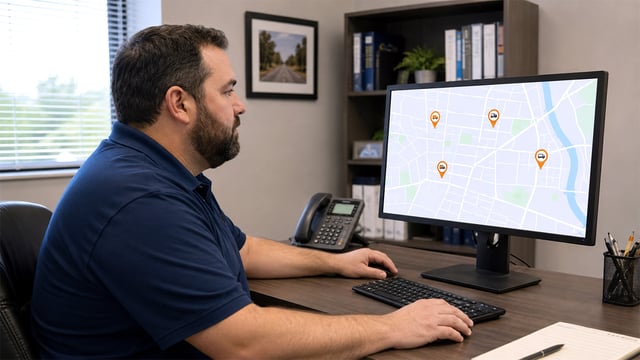
- Follow vehicle locations in real time
- Review past locations and routes
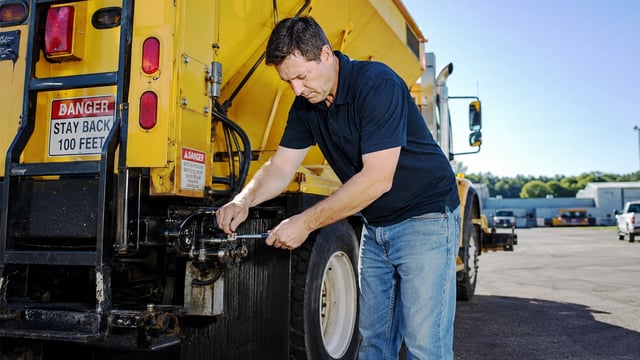
- See speed and plow up/down status for each vehicle
- Monitor storm operations live, with documented cycle analysis afterward
- Get automatic alerts when vehicles miss a scheduled report
- Keep detailed records for reporting and decision-making
Managing vehicle service and repairs? See Fleet Maintenance

Right-of-Way Permits
Coordinate the permits that put contractors and utilities in your roads, alongside the maintenance work your crews do there.
- Take encroachment, right-of-way, street cut, and entrance applications online
- Locate each permit by street or right-of-way segment, not just by property address
- Issue qualifying routine permits automatically through Express Issuance
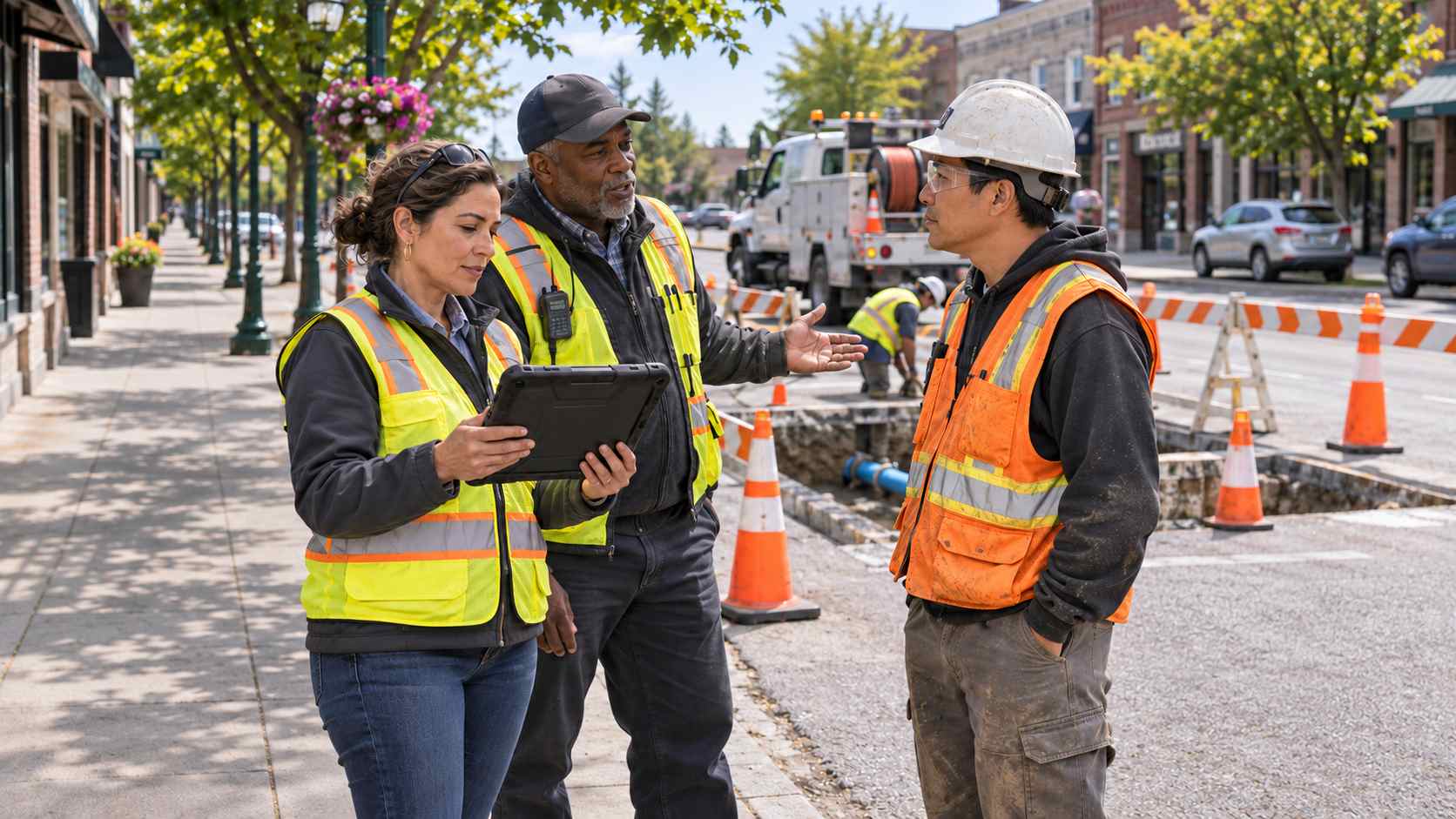
- Give engineering reviewers current information in the office or on site
- Inspect permitted work and notify applicants of results automatically
- See permitted road work next to your own repairs on the map
- Send public notice letters to property owners near planned road work
Road Asset Tracking
Keep pavement, signs, sidewalks, and other roadside assets organized by location, with condition and repair history for each.
- Maintain records for pavement sections, sidewalks, signs, streetlights, and traffic signals
- Import existing road asset inventories from a spreadsheet
- Record condition observations during inspections
- Connect repair work and history to each road asset
- Use maintenance history to plan future road projects

Work Orders
Send crews to the right place with everything they need to complete road repairs.
- Create work orders straight from road inspection findings and resident reports
- Assign labor, equipment, and materials to each job
- Notify crews and requesters automatically as work is assigned and completed
- Set up recurring maintenance, such as seasonal sign and shoulder checks, on a schedule
- Record labor and material costs that roll up to the road asset
- Enter field notes and reports as work is completed
GIS & Interactive Map
Use your local GIS to see, analyze, and act on everything happening on your road network.
- Manage point, mobile, and linear assets on an interactive map
- Filter by asset type or group, or draw a polygon to select an area
- See open work orders, upcoming inspections, and permitted work on the map
- Mark precise locations for repairs and emergency response
- Streamline post-storm cleanup and repairs

Costs & Reporting
Understand what your road network costs to maintain, and share it clearly.
- Roll labor and material costs up to individual road assets
- Review inspection, storm event, and repair reports
- Ask for road data in plain language and get the right report or chart
- Give supervisors a dashboard of open work and overdue inspections
- Use cost and condition data to support road budget requests
AI Support Assistant
Get road crews, supervisors, and residents quick answers from NoVa, Cloudpermit’s AI assistant.
- Answer common questions about road inspections, permits, and work orders around the clock
- Help staff navigate vehicle tracking and maintenance workflows
- Help contractors understand right-of-way permit requirements
- Upload municipal codes so NoVa can answer questions about local road rules
- Hand off anything NoVa can’t answer to Cloudpermit Support

Configuration
Fit Cloudpermit to your road program, from inspection forms to storm reports.
- Get set up quickly with simple configuration
- Customize stock road and bridge inspection forms
- Configure vehicle data uploads and backups
- Shape reports around local requirements
Online Access
Reach road information from the cab, the yard, or the office.
- Use any computer or mobile device
- Keep road records secure in the cloud
- Work with your local GIS services
- Save changes and back up data automatically