Planning Applications
Manage planning applications from submission and review through resubmissions, decisions, appeals, and follow-up work.
- Guide applicants through required information and attachments before submission
- Review submitted applications for completeness before formal circulation
- Request changes and manage applicant resubmissions
- Require sign-off when revised information is resubmitted
- Configure how processing times respond to resubmissions
- Track application status and review progress
- Manage drawings, forms, supporting documents, and other application information in one workspace
- Manage application outcomes, including approvals, denials, rejections, refusals, and appeals
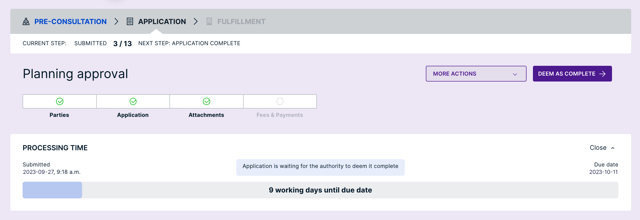
Land Use Permits
Accept and issue zoning, conditional use, and special use permits online.
- Require land use permits before building permits are issued
- Accept complete land use permit applications
- Update applicants automatically as the status of a permit changes
- Link related land use and building permits to seamlessly track projects
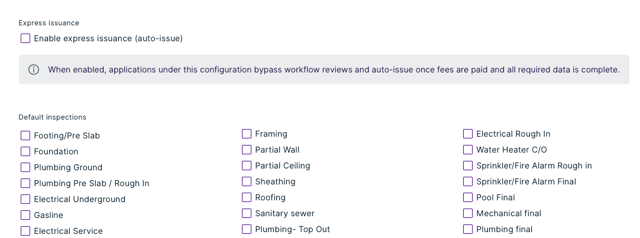
Express Issuance
Configure eligible application types to move directly to issuance when manual review is not required.
- Configure express issuance for eligible applications
- Reduce administrative work for routine planning requests
- Automatically issue qualifying applications after required information and payment
- Keep staff focused on complex planning reviews
- Answer common questions in real time
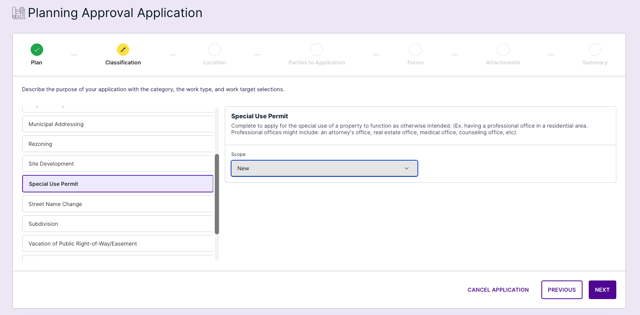
Application Wizard
Simplify complex planning applications with a guided experience and AI-assisted pre-checks that help applicants understand requirements, address potential issues, and submit more complete applications with confidence.
- Guide applicants through application requirements and show what’s complete and what still needs attention
- Use AI Cloudcheck to identify potential issues in uploaded application documents before submission
- Give applicants an opportunity to address missing or inconsistent information before an application reaches municipal review
- Automatically identify document types for required uploads
- Provide a clear application summary for applicants
- Reduce incomplete applications and avoidable back-and-forth
- Give municipal staff better visibility into draft applications
- Create a simpler experience for applicants who may rarely interact with planning processes
- If turned on, display estimated fees when configured by the municipality
AI Support Assistant
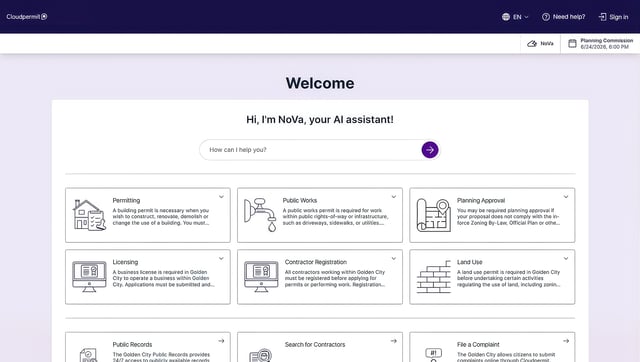
Get help 24/7 from NoVa, Cloudpermit's AI assistant for local government staff and citizens.
- Answer common questions instantly
- Guide citizens and municipal users through applications and workflows
- Reduce calls and requests for support with automated assistance
- Send questions NoVa can’t answer to Cloudpermit’s Support Team
- Upload municipal codes and NoVa can answer questions about local rules and regulations

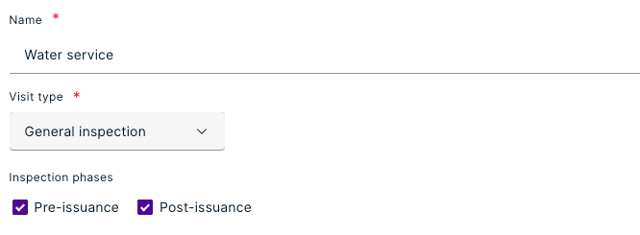
Pre-Issuance Inspections
Complete required site inspections throughout the planning process.
- Conduct inspections during pre-consultation or application review
- Schedule required site visits before an application is issued
- Keep inspection activity connected to the application
- Use consistent inspection tools throughout the application lifecycle
- Document site findings within the same digital workflow
- Reduce the need to use reviews or separate processes to track site visits
Meetings
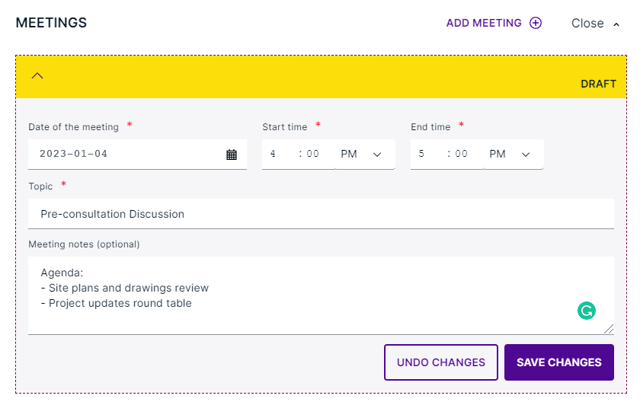
Keep track of your meetings to approve planning applications faster.
- Manage pre-consultation requests
- Review past, upcoming, and proposed meetings
- Use templates to create agendas for planning commissions, boards, or council meetings
- Generate downloadable meeting packages that include relevant documents and agendas
Public Notice
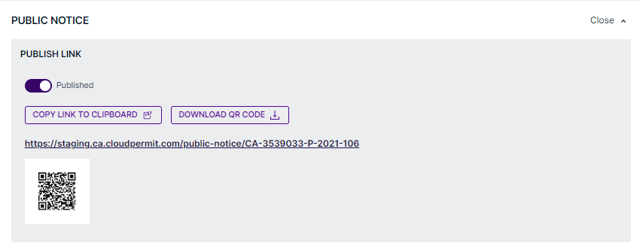
Simplify the public notice process with digital tools to keep citizens informed and engaged.
- Record and inform interested parties with status updates on projects
- Allow citizens to automatically receive decisions on applications by registering through a link/QR code
- Generate an automated list of property owners within the required public notice radius
- Measure public opinion
- Upload documents as part of public notice notes such as opinion, opposition, or support letters
Application Reviews & Circulation
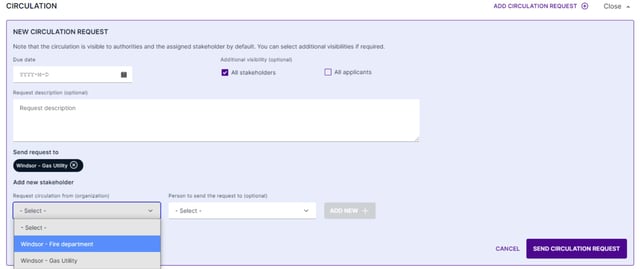
Coordinate application reviews and circulation across departments, agencies, and other stakeholders with greater control over assignments, deadlines, comments, and review results.
- Send multiple review and circulation requests at once
- Assign reviews to individuals or reviewer groups
- Let reviewers self-assign work from an assigned group
- Automatically calculate review due dates and send reminder emails to reviewers
- Keep review comments and responses connected to the application
- Manage subsequent review rounds when applicants submit changes
- Use a final review to approve review results and change requests before they're sent to applicants
- Keep review history organized across complex review cycles
Conditions
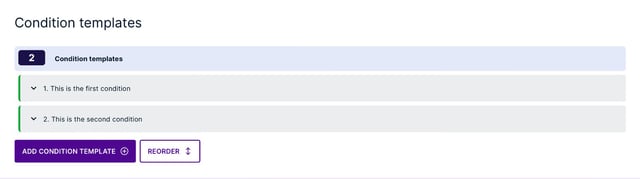
Keep conditions of approval and important deadlines on track.
- Set default conditions for different application types
- Add due dates to conditions of approval
- Automatically calculate condition deadlines based on application approval
- Set condition due dates manually when needed
- Send reminder emails to applicants and municipal staff before conditions are due
- Track open conditions from the property record
- Clearly identify when an approved planning application has lapsed
Property Data & GIS
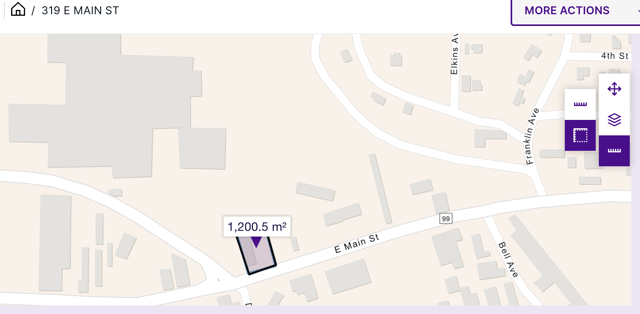
Give planners better property context with connected property information and interactive maps integrated with your GIS.
- Access planning and community development activity connected to a property
- Manage and verify property information in a centralized property record
- Represent individual units within multi-unit properties
- Use GIS information and map layers to add location context to planning decisions
- Find neighboring properties and owners for public notice requirements
Reporting
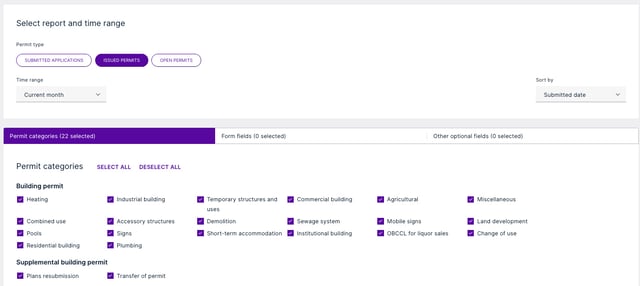
Easily generate and download reports to improve records and simplify compliance.
- Create reports for payments and reviews
- Select and filter application categories, form fields, and optional fields
- Download reports to an Excel or CSV file
- Create pre-sets to save commonly used reports
Configuration
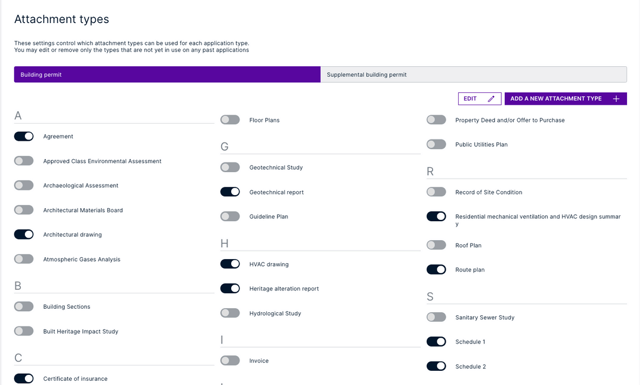
Configure Cloudpermit's software to meet local needs and match your workflows.
- Change and modify workflows as needed
- Receive support from trained department administrators
- Select application types from a pre-configured structure
- Use templates to create public notice agendas, templates, and other documents in PDF format
- Share planning applications with external departments, agencies, and third-party organizations
- Let stakeholder organizations manage their own reviewers and assignments
- Customize system-generated email subjects and content to reflect your municipality's terminology and communication style
- Preview customized system emails before they are used
- Configure workflows around your department's review steps, decisions, appeals, and local requirements
Payment
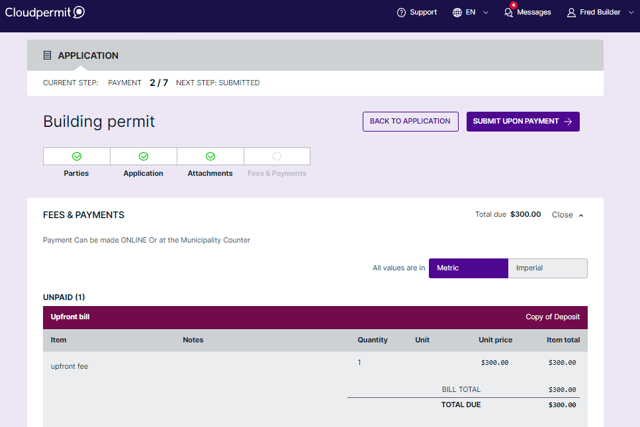
Accept secure payments online to streamline the process for citizens and stakeholders.
- Enable online and over-the-counter payments
- Integrate with third-party PCI compliant payment gateways
- Notify citizens when they have a due payment
- Create upfront application bills and bill drafts automatically
- Use an established escrow account to manage funds and pay for applications
Municipal Portal
Connect applicants, developers, and residents with planning services, project information, and municipal resources through one centralized portal.
- Submit planning and development applications online
- Track reviews, approvals, and application status
- Search projects, permits, and public records
- Access planning requirements and community information
- Receive AI-powered guidance through NoVa
- Customize municipal branding and messaging
- Improve transparency and public engagement
API Integration
Integrate data and services from other systems with our Application Programming Interface.
- Download attachments from other systems into a Cloudpermit workspace
- Update metadata and upload new versions of attachments to a workspace
- Access data from inspections and work lists
- Get attributes from your local GIS
- Add bills and fee items to a workspace
- Request data by property or workspace ID